The short answer. The McKinsey Solve tips that protect the most points are about process, not tricks: read your invitation length, learn each game untimed before practising under time, budget Red Rock's clock so you reach the six Cases, save every number with its unit, judge Sea Wolf treatments by their averages, keep Sustainable Futures Lab decisions consistent with your first ranking, and use each untimed tutorial fully on test day. The 15 habits below explain each one with an original example. They are coaching habits built on candidate-reported timings; McKinsey's Solve page publishes no pass mark or scoring weights (checked October 3, 2026).
A note on evidence. McKinsey's official Solve page describes a game-based assessment, says no business or gaming knowledge is needed, and publishes no pass mark, score scale or scoring weights. Game formats and timings below are candidate and preparation-provider reports. Every example is fictional and written for this guide, and none of these tips claims to reveal how Solve is scored.
| Stage | Habits | Mistake they prevent | Minute target |
|---|---|---|---|
| Before | 1 to 3 | Practising the wrong games, or practising without learning anything | Read your invitation length first |
| Red Rock, about 35 min | 4 to 7 | Running out of time before the Cases, unit and denominator errors | Study 23 min, then 2 min per Case |
| Sea Wolf, about 30 min | 8 to 10 | Rejecting valid microbes, breaking trait rules, stalling on one site | 10 min per site |
| Sustainable Futures Lab, about 20 or 30 min | 11 to 13 | Rankings that ignore dependencies, decisions that contradict each other | Standard: ranking 2 min, then 1.5 min per decision |
| Test day | 14 and 15 | Spending scored time on controls, and setup failures | Tutorials are untimed |
How much time should you spend on each McKinsey Solve game?
In McKinsey Solve, spend about 23 of Red Rock's 35 minutes on the Study and 2 minutes on each of the six Cases, about 10 minutes on each of Sea Wolf's three sites, and in the 20-minute standard SFL about 2 minutes on the ranking and 1.5 minutes per decision. Every game runs on its own reported clock, so pacing means splitting that clock. The targets below are our coaching arithmetic from candidate-reported timings, not McKinsey allocations. Use them as checkpoints, then adjust after your first timed practice run.
Investigation 7 + Analysis 10 + Report 6 = 23 for the Study. Cases: 35 − 23 = 12, and 12 ÷ 6 Cases = 2 min each.
30 ÷ 3 sites = 10 min per site, so be on site 3 by minute 20.
Ranking about 2 min. Then 20 − 2 = 18, and 18 ÷ 12 decisions = 1.5 min each.
30 ÷ 3 simulated days = 10 min per day.
Bars drawn to scale on Red Rock's 35 minutes. Game timings are candidate-reported; the splits inside each game are coaching budgets. Tutorials are untimed and sit outside these minutes.
Tips 4 and 10 show what to do when you miss a checkpoint. The Red Rock guide and Sea Wolf guide carry the same budgets with checkpoints for each phase.
What should you do before McKinsey Solve?
Before McKinsey Solve, read your invitation length, learn each game untimed before timing yourself, and log every mistake by type (tips 1 to 3). McKinsey's August 2025 FAQ says your length is in the invitation and that Solve needs no previous business knowledge or gaming experience.
1. Read your invitation length before you plan anything
- Red Rock
- Sea Wolf
- SFL
- New SFL
Candidate-reported game times. Tutorials are untimed and sit outside these minutes.
The habit: find the stated duration in your invitation email and map it to the games you will sit. McKinsey's FAQ says the length is in the invitation. Candidates report about 65 minutes for Red Rock and Sea Wolf, about 85 minutes when the standard Sustainable Futures Lab is added, and about 95 minutes, first reported in August 2026, when a newer 30-minute SFL first described in September 2026 replaces the standard one.
The mistake it prevents: spending half your preparation on a game you will not see, or none on one you will.
Example: a candidate with a 65-minute invitation has five evenings. Without checking, they give one evening to the SFL. Reading the email first moves that evening to a second timed Red Rock run, the game with the longest reported clock. The invitation guide and the 95-minute guide explain each length.
2. Learn each game untimed, then practise under the clock
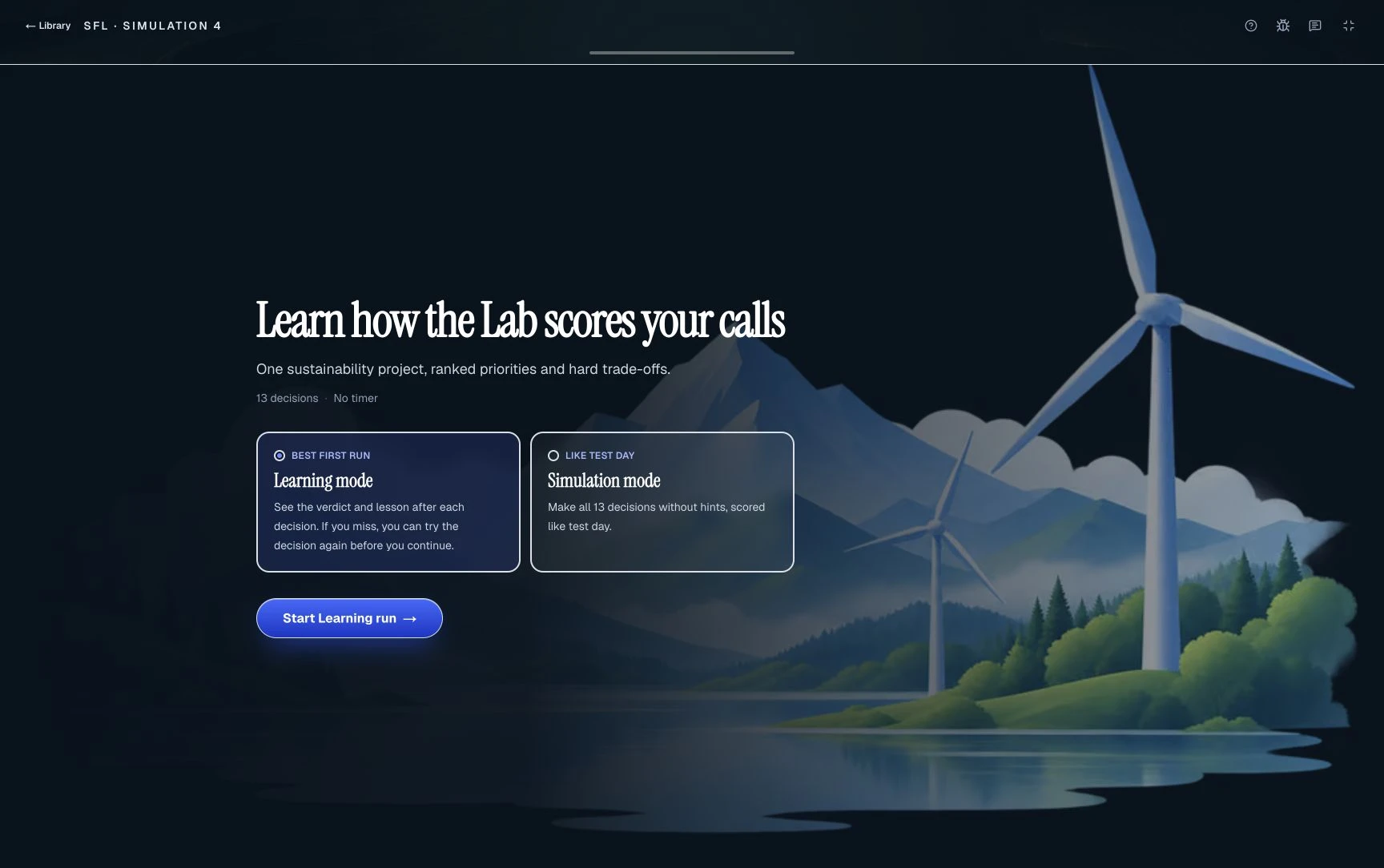
The habit: your first run of each game is slow and deliberate, aimed at understanding the rules. Every run after that is timed.
The mistake it prevents: two opposite errors. Practising only untimed builds accuracy you cannot deliver at speed; practising only timed means you never stop to understand why answers are right.
Example: on an untimed Sea Wolf run you notice a site that excludes one trait entirely. That rule takes ten seconds to read when you know to look for it and several minutes to discover under time. The prep plan sequences untimed and timed days for 7, 3 and 2 days of preparation.
3. Keep an error log by mistake type, not by score
Three denominator errors, one unit, one timing: the biggest count sets the next session. Fictional log matching the example below.
The habit: after every practice run, write down each wrong answer as a type: wrong denominator, missed unit, ignored trait, inconsistent ranking, ran out of time.
The mistake it prevents: repeating the same error because a practice score went up for other reasons. McKinsey shows no score scale to candidates, so a practice score is a training signal, never a prediction.
Example: after two Red Rock runs your log reads: denominator 3, unit 1, time 1. Your next session is one timed study where you write every formula before calculating (tip 6). If denominator errors fall to zero, the log moves you to units next. The scores and results guide explains why practice scores are not pass predictions.
Run a free practice game and start your error log
What are the best tips for McKinsey Red Rock?
The Red Rock tips that protect the most points are to budget the clock so you reach the six Cases, save every number with its unit, write the formula before using the calculator, and separate percentage points from percent change (tips 4 to 7). Red Rock is commonly reported as one Study, in Investigation, Analysis and Report stages, followed by six standalone Cases on a shared clock of about 35 minutes, with an in-game calculator. The Red Rock worked questions practise every habit below.
4. Budget the clock so you reach the six Cases
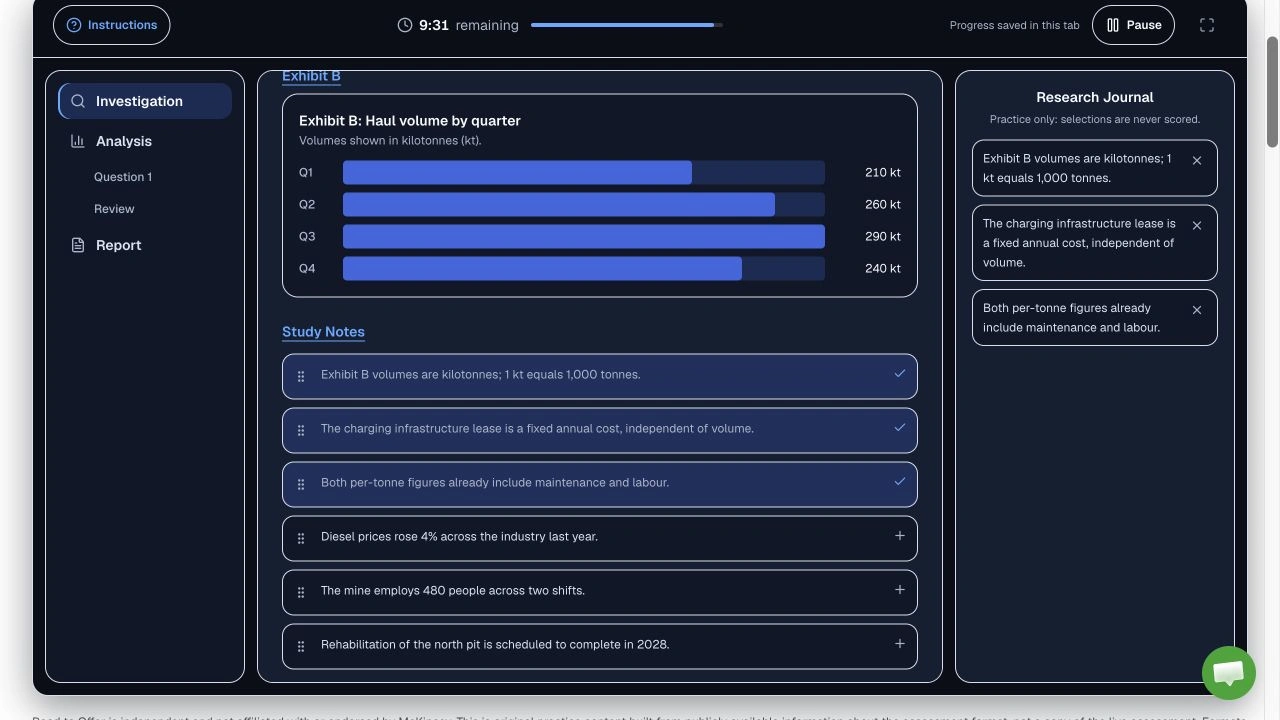
The habit: decide your split before you start and check it once during the Study. An illustrative budget for a 35-minute run is 23 minutes for the Study and 12 for the Cases, about two minutes per Case. This is coaching guidance, not an official allocation.
The mistake it prevents: perfecting the Study and reaching the Cases with too little time to answer them properly.
Example: at minute 20 you are still choosing a chart for the Report. Your budget says the Study ends at 23, so you choose the chart that answers the stated question and confirm. The six Cases then get 12 minutes instead of the 7 you would have left by finishing at minute 28.
5. Save every number with its unit, label and period
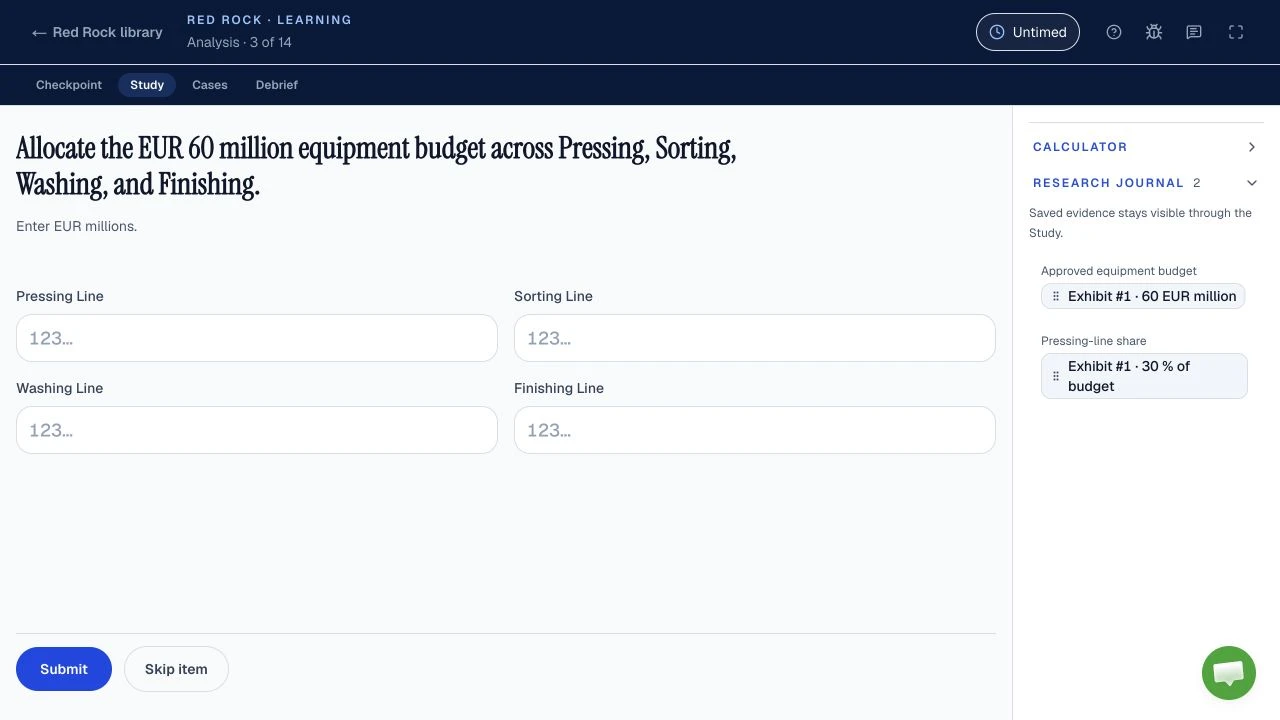
The habit: when you add evidence to the research journal, check that the unit and label come with it, and read them again before you calculate.
The mistake it prevents: mixing millions with thousands, or a share with a total.
Example: a fictional exhibit lists labour cost at EUR 1.8 million and materials at EUR 950 thousand. Adding the raw figures gives 951.8, which is meaningless. Converting first gives EUR 1.8 million plus EUR 0.95 million, or EUR 2.75 million in total.
6. Write the formula before you touch the calculator
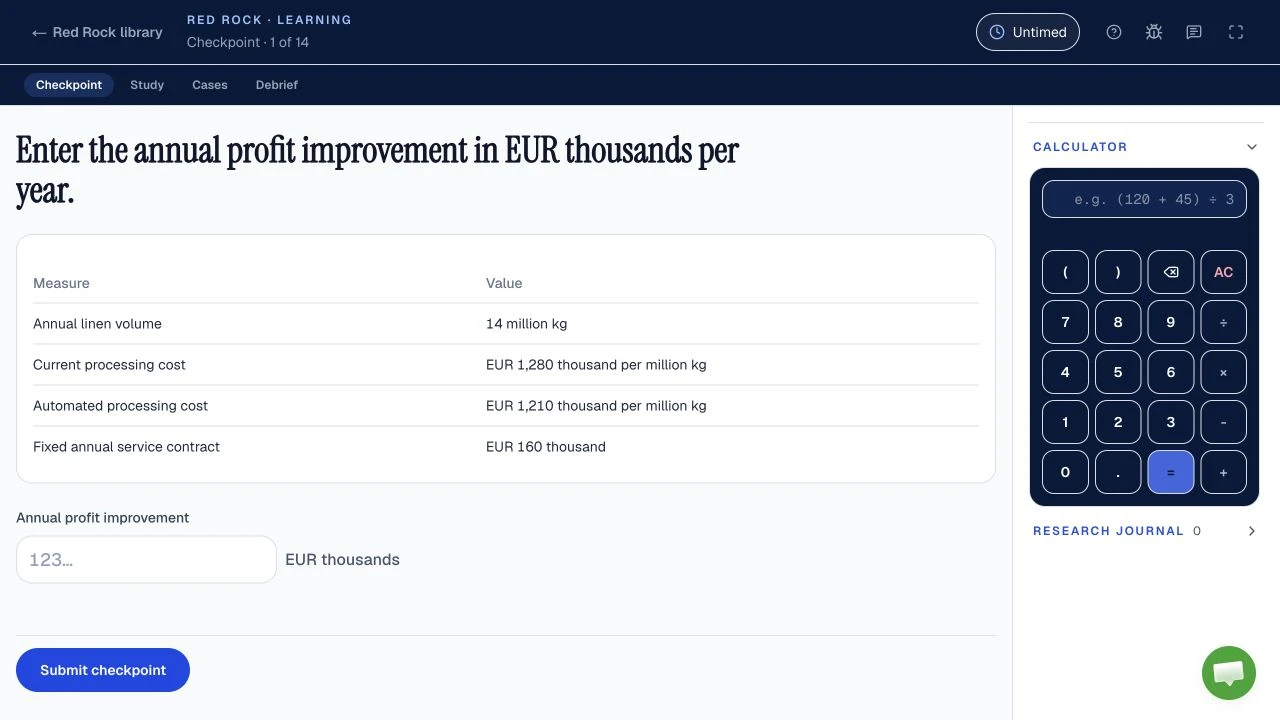
The habit: say or jot the formula in words, including which number is the denominator, then enter it.
The mistake it prevents: the denominator error, which candidates and prep providers often describe as one of Red Rock's common traps. A calculator computes whatever you type; it cannot check the setup.
Example: a fictional plant's output rose from 400 to 460 tonnes. Growth is (460 minus 400) divided by 400, so 60 divided by 400, which is 15%. Dividing by the new value instead gives 60 divided by 460, about 13.0%, a plausible-looking wrong answer.
7. Separate percentage points from percent change
A fictional defect rate rising from 4% to 5%. Read which of the two the question asks for.
The habit: when a question compares two rates, ask whether it wants the difference in points or the relative change.
The mistake it prevents: choosing the right calculation for the wrong question, and also filtering irrelevant facts badly, since the extra numbers in an exhibit are often there to tempt you.
Example: a fictional defect rate rose from 4% to 5%. That is an increase of 1 percentage point, and a relative increase of 25%, because 1 divided by 4 is 0.25. If the exhibit also gives a factory headcount of 220, it does not belong in either answer. The guide to where candidates lose points covers more Red Rock traps.
What are the best tips for McKinsey Sea Wolf?
In Sea Wolf, read each site's rules before looking at any microbe, judge a treatment by its average rather than each microbe alone, and pace about 10 minutes per site so you reach the third (tips 8 to 10). Sea Wolf is commonly reported as three sites in about 30 minutes. At each site you choose microbes so that the treatment's average attributes fall inside the site's ranges and its trait rules hold. The Sea Wolf rules and examples practise each habit below.
8. Read the site rules before you look at any microbe
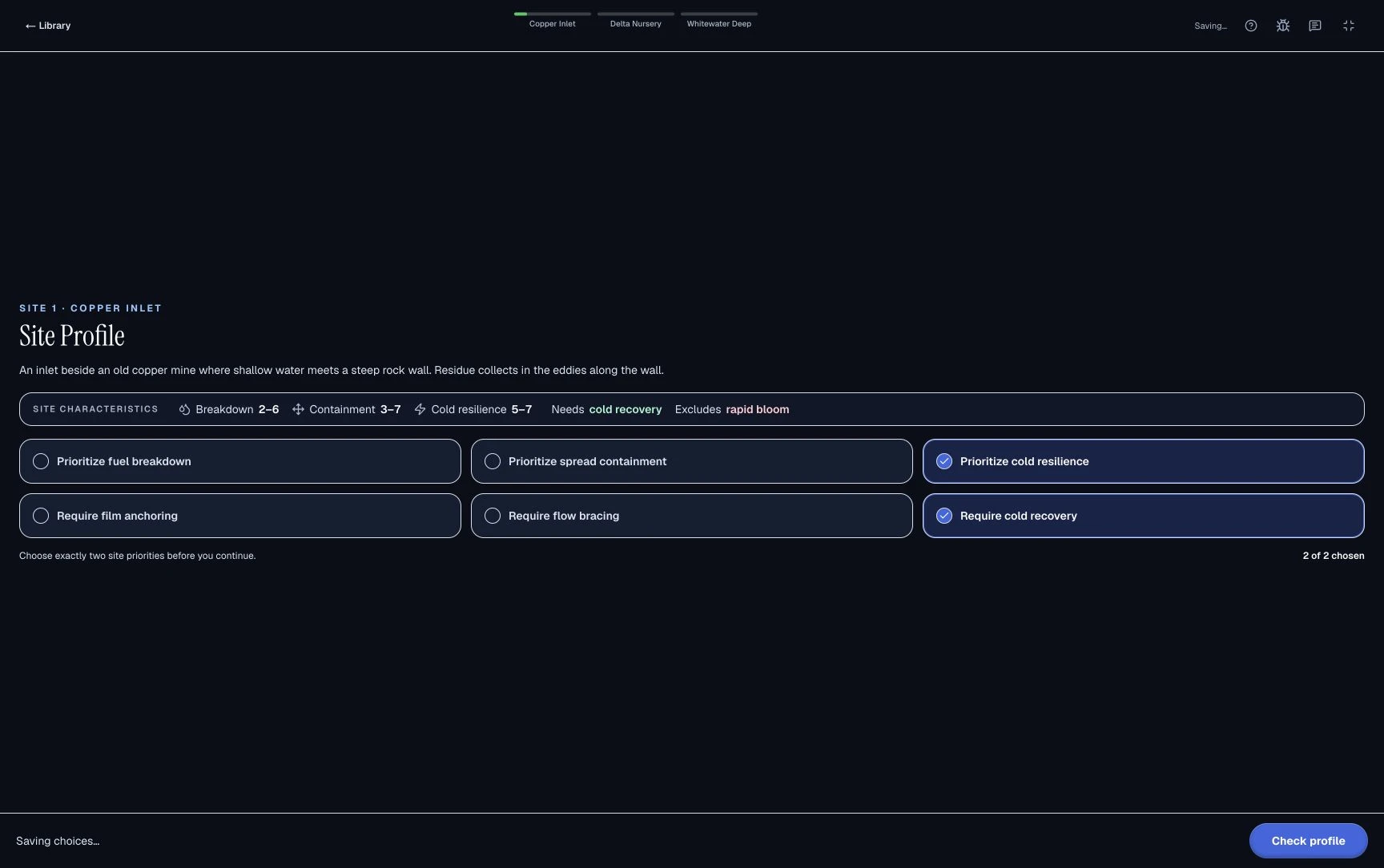
The habit: for each site, note the ranges, the required trait and any excluded trait first. Then screen microbes.
The mistake it prevents: building a treatment around a microbe that carries an excluded trait, then having to start again.
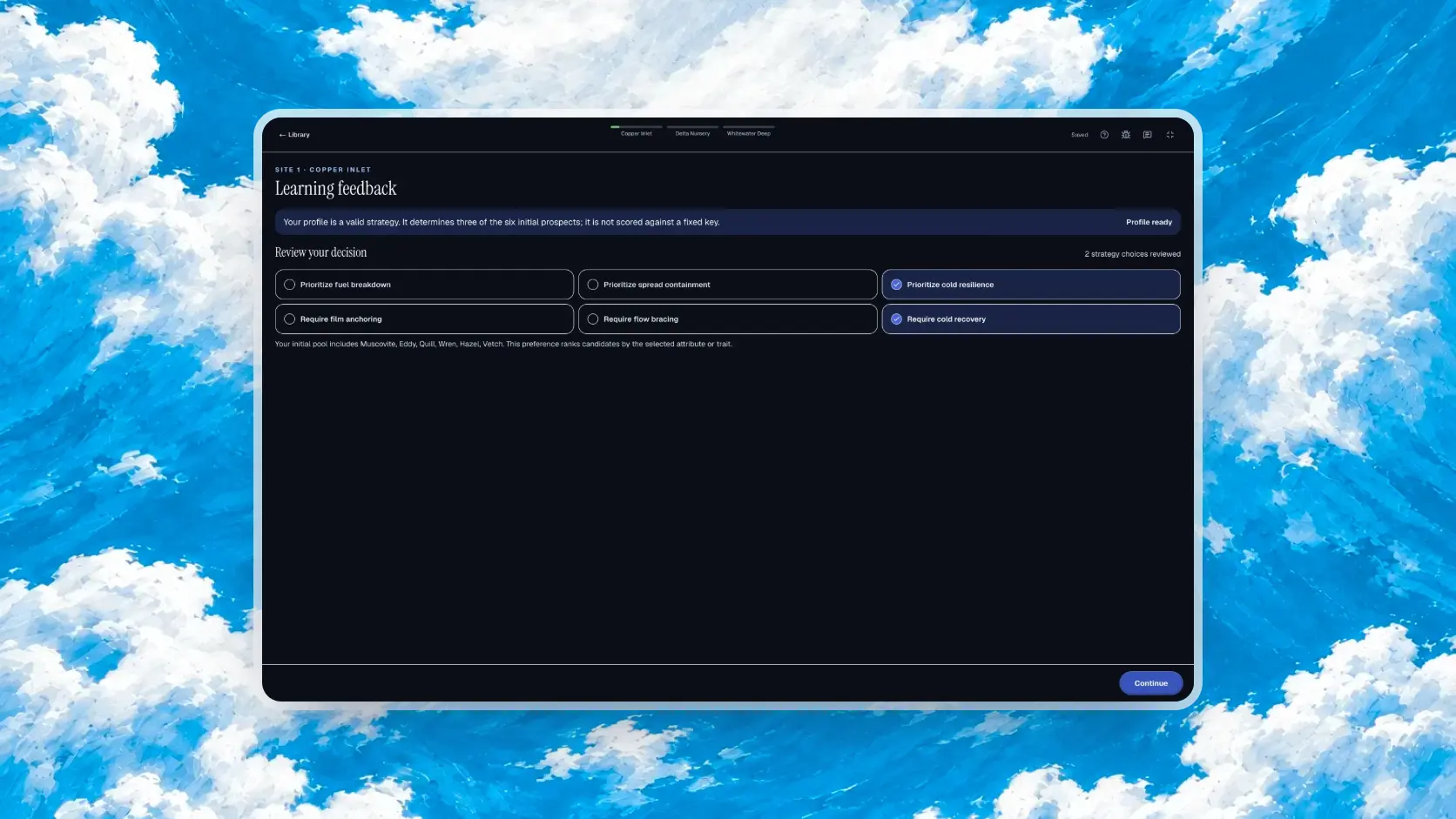
Example: a fictional site needs a cold recovery trait and excludes rapid bloom. A microbe with ideal numbers but the rapid bloom trait is out before any arithmetic. Removing it first shrinks your pool, so the averaging in tip 9 is faster.
9. Judge the treatment's average, not each microbe alone
Breakdown values from the fictional example below: (2 + 5 + 6) ÷ 3 = 4.33, inside the range. Judge the treatment's average.
The habit: a microbe whose own value sits outside the site range can still belong in a valid treatment, because the range applies to the average.
The mistake it prevents: rejecting useful microbes and failing to find any valid combination.
Example: a fictional site needs average breakdown between 3 and 6 and average containment between 4 and 7. Microbe A scores breakdown 2 and containment 8; B scores 6 and 5; C scores 5 and 3. A and C each fall outside a range on their own. Together, average breakdown is (2 + 6 + 5) divided by 3, about 4.33, and average containment is (8 + 5 + 3) divided by 3, about 5.33. Both sit inside the ranges, so the treatment works.
10. Pace by site, and leave time for the third
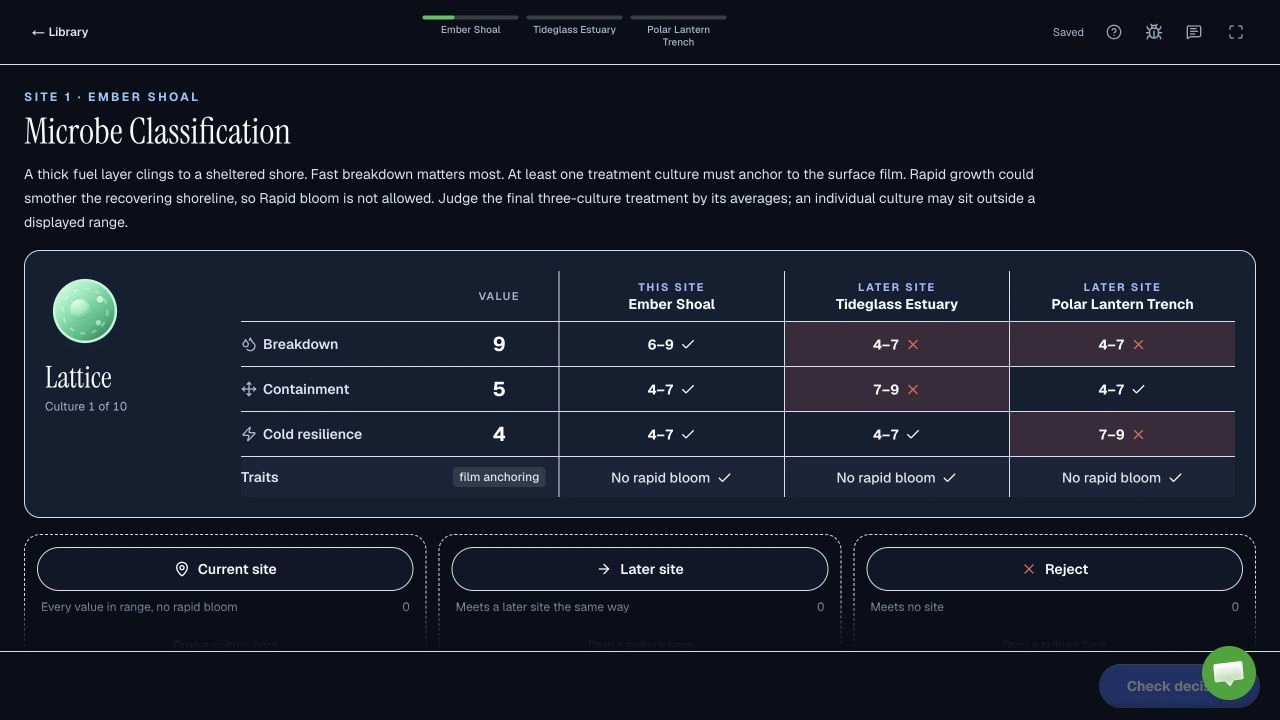
The habit: divide the clock across the three sites and check it at each transition. An illustrative split for 30 minutes is about 10 minutes per site.
The mistake it prevents: hunting for a perfect treatment on site one and rushing site three.
Example: site one takes 16 minutes. That leaves 14 for two sites, 7 each, instead of 10. If you notice at minute 10 that site one is not converging, choose the best valid treatment you have and move on; a valid answer now protects more than a perfect one later.
What are the best tips for the Sustainable Futures Lab?
In the Sustainable Futures Lab, rank options by dependency, keep later decisions consistent with that first ranking, and in the newer 30-minute version plan each simulated day before assigning researchers (tips 11 to 13). The standard SFL is commonly reported as about 20 minutes: one ranking task, then about 12 linked scenario decisions. A newer version of about 30 minutes appears in 95-minute invitations. The SFL guide compares both versions.
11. Rank by dependency, not by appeal
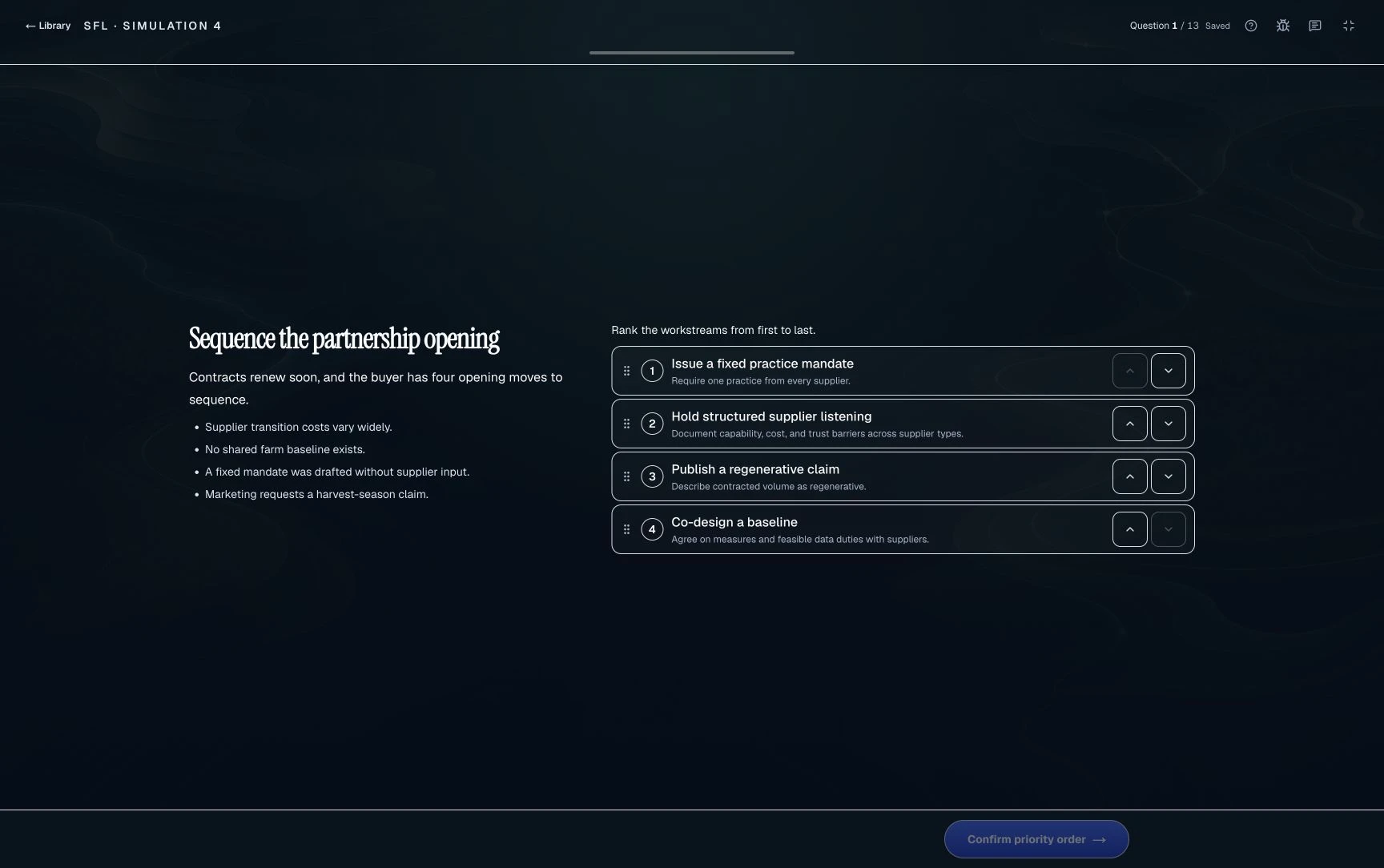
The habit: before ordering options, ask which ones need another to happen first. Put enablers before the actions that depend on them.
The mistake it prevents: ranking the most visible or ambitious action first even though it cannot work yet.
Example: a fictional city plans to electrify its bus fleet. Its four options are: survey route lengths, order electric buses, train drivers and announce a launch date. Ordering buses depends on knowing route lengths, training depends on having buses, and an announcement depends on all of them. A defensible order is survey, order, train, announce.
12. Keep later decisions consistent with your first ranking
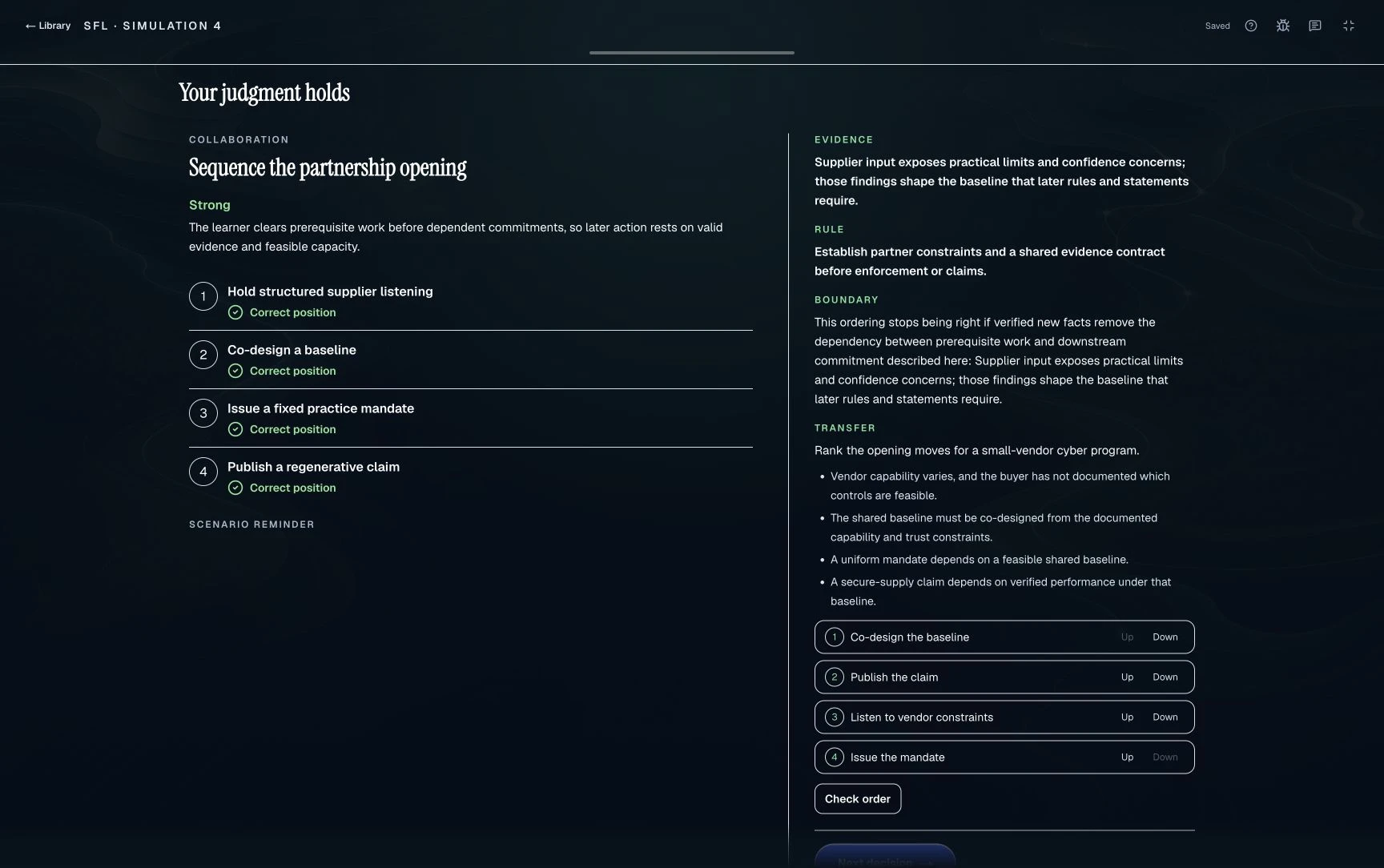
The habit: treat your ranking as a stated strategy and check each later decision against it.
The mistake it prevents: answering each scenario in isolation and contradicting your own priorities.
Example: in the city scenario, you ranked the route survey first. A later decision offers a 5% discount for ordering 20 buses at EUR 400,000 each before the survey finishes. The fleet costs EUR 8 million, so the saving is EUR 400,000. That sounds attractive, but ordering before the survey contradicts the reason you ranked it first. A consistent answer waits for the survey or asks whether the discount can be held.
13. In the 30-minute SFL, plan each simulated day before you assign
- Day 1Researcher needs
- Day 2Workstation needs
- Day 3Balance both
- Explore
- Assign
- Support
- Reflect
Reported by candidates and prep sites; McKinsey has not published this format. Plan each day around its goal before you assign anyone.
The habit: candidates report leading four researchers across four workstations over three simulated days, each day running Explore, Assign, Support and Reflect. Use Explore to note each workstation's need before you assign anyone.
The mistake it prevents: assigning researchers by habit and leaving the most demanding workstation under-supported. These reports are recent and unconfirmed by McKinsey, so let the on-screen tutorial override them.
Example: in a fictional day, one workstation needs field sampling, and only one researcher lists fieldwork as a strength. Assign that pairing first, then fill the other three, and in Reflect write one line on whether the match worked so day two improves on it. Practice for this version is coming soon on Road to Offer; the standard SFL trains the same prioritising habits now.
What are the best McKinsey Solve tips for test day?
On McKinsey Solve test day, use every untimed tutorial to find the controls before the clock starts, and set up as the rules require: a PC or Mac, the technical check passed, no outside tools, and working alone (tips 14 and 15). Each of those rules comes from McKinsey's August 2025 Solve FAQ.
14. Use every untimed tutorial fully
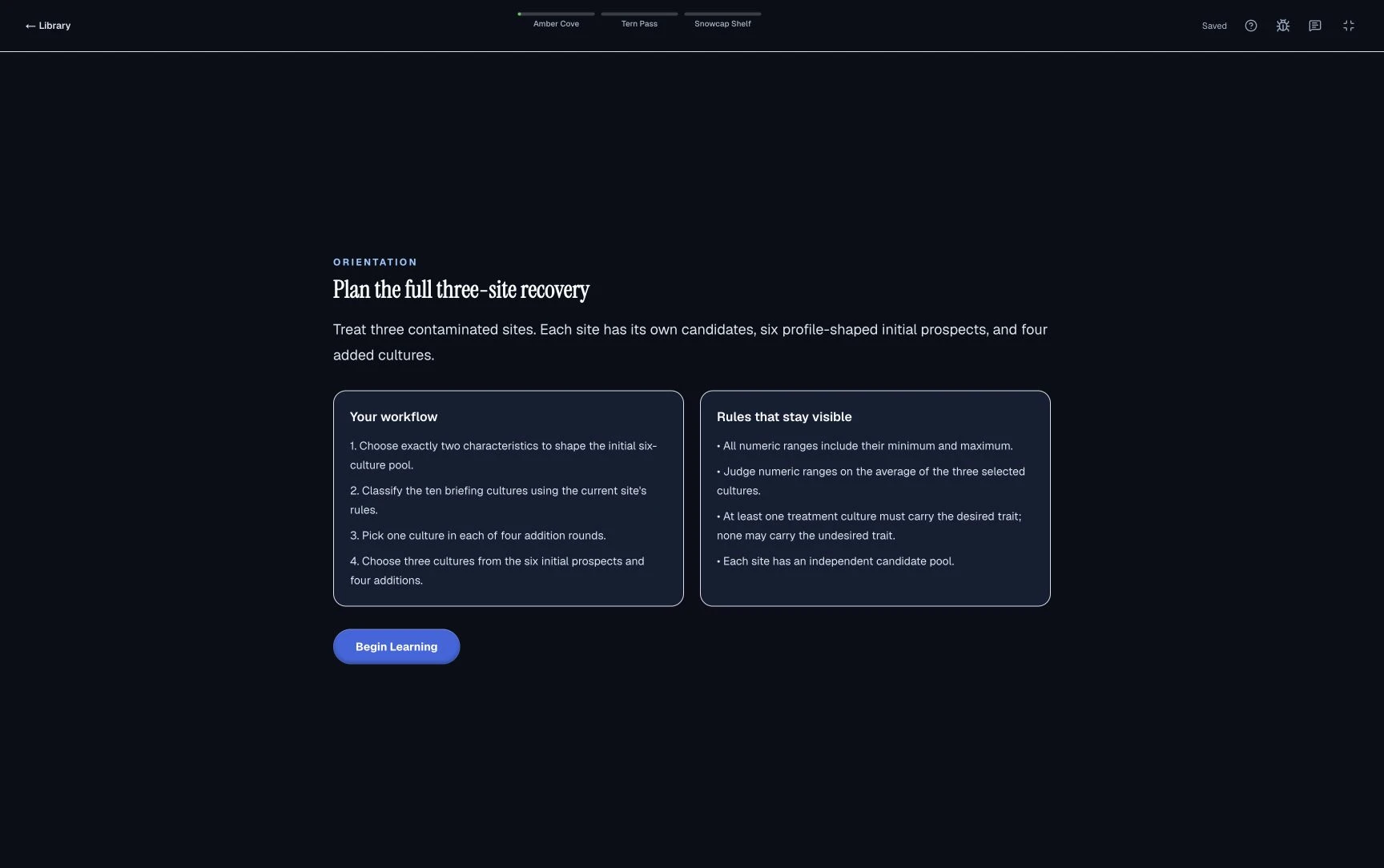
The habit: McKinsey says each task starts with an untimed tutorial. Before starting the clock, locate the calculator, the journal or evidence tools, the controls for moving on, and any rule summary.
The mistake it prevents: spending scored minutes finding a button, and assuming a practice tool's layout matches the real one.
Example: in a practice run you relied on a back button to revisit an earlier Red Rock stage. In the tutorial you check whether the real game lets you go back. If it does not, you review answers before confirming each stage. The test-day checklist covers the rest of the sitting.
15. Set up as the rules require, then work alone
- PC or Mac that passed the technical check
- Quiet room, notifications off
- Pen and paper only, no other apps or AI tools
- Deadline and support contact written down
- An uninterrupted block longer than your invitation length
From McKinsey's Solve FAQ and assessment-integrity guidance.
The habit: use a PC or Mac, run the technical check, clear prepared notes, close other apps and sit somewhere you will not be interrupted. McKinsey's FAQ says to work alone with no outside tools and no recording.
The mistake it prevents: a failed device, a broken link or an integrity problem that no amount of practice can fix.
Example: a candidate plans to sit Solve at 8 pm on a laptop that has not been updated. Running the check that afternoon shows a browser problem with time to contact support before the deadline. Afterward, the timeline guide explains what happens next.
How do you stay calm during McKinsey Solve?
Three habits keep you steady during the McKinsey Solve sitting: set a stop rule before each game, reset in the untimed gap between games, and judge each game by your process rather than by how it felt. The 15 habits above cover the games; these cover your state of mind, where prepared candidates often give back what they practised. They are coaching advice, not McKinsey guidance.
Set a stop rule before each game starts
- Check 1Is the answer valid?Every rule and range holds
- Check 2Does it answer the stated question?Right unit, right comparison
- Check 3Am I near my checkpoint?If yes, confirm now
Three yeses mean confirm and move on. A better answer may exist, but the minutes it costs come out of a later part of the same clock.
The habit: before the clock starts, decide what "good enough" means for this game. A valid answer that addresses the question, reached on time, is good enough.
The mistake it prevents: polishing one answer while the clock runs down on parts you have not seen yet.
Example: at minute 9 of Sea Wolf you have a valid treatment for site one. You suspect a slightly better trio exists. Valid: yes. Answers the site: yes. Near the 10-minute checkpoint: yes. You confirm and move to site two with 21 minutes for two sites, instead of 14 if you had polished until minute 16.
Reset in the untimed gap between games
- Close the last game. Once you have moved on, treat it as done.
- Write the next checkpoint. One line on your paper, such as "site 3 by minute 20".
- Read the tutorial as new. Different game, different rules; assume nothing carries over.
McKinsey says every task starts with an untimed tutorial, so this reset costs no scored time.
The habit: treat the untimed tutorial before each game as a clean start, and spend its first minute on the reset above.
The mistake it prevents: carrying a rushed or shaky Red Rock into Sea Wolf, then rushing the tutorial too.
Example: you finished Red Rock with two Cases guessed. Instead of replaying them, you write "Sea Wolf: site 3 by minute 20" and read the Sea Wolf tutorial line by line. Those Cases are behind you; the next 30 minutes are not.
Judge each game by your process, not by how it felt
- "That felt hard, I must be failing"
- Guessing your score mid-game
- How fast you think others finish
- The clock against your checkpoint
- A rule you have not checked yet
- A number saved without its unit
McKinsey publishes no score scale for candidates, so a feeling during the game is not information about your result.
The habit: when doubt hits mid-game, switch attention to something you can check: the clock, the rules or your saved numbers.
The mistake it prevents: spending minutes second-guessing a confirmed answer, or speeding up in panic and skipping the checks that protect points.
Example: halfway through the SFL decisions you feel unsure about your ranking. Rather than reopening it in your head, you check the next decision against the ranking you wrote down (tip 12) and keep the 1.5-minute pace.
Which McKinsey Solve tips should you ignore?
Ignore McKinsey Solve advice to practise Ecosystem Building or Plant Defense, precise pass rates, the idea that a 95-minute invitation is the 85-minute test with spare time, and anything involving outside help or tools.
- "Practise Ecosystem Building and Plant Defense." Early versions featured them, but 2026 candidate reports no longer include them. See the Ecosystem game's status and how PSG, Imbellus and Solve relate.
- Precise pass rates. Figures circulate on prep sites, but McKinsey publishes no pass rate or pass mark, so treat them as unverified estimates. The pass rate guide explains what is known.
- Treating a 95-minute invitation as the 85-minute test with spare time. Candidates report a different, longer SFL in that version, so read the 2026 change log.
- Anything involving outside help or tools. The rules prohibit them, and Solve results are considered with the rest of your application.
For the full picture, the McKinsey Solve guide covers format and history, and the practice page lists every free module. These guides are written and reviewed by Esteban Ronsin, founder of Road to Offer and Solve Game Prep.
Sources and evidence boundaries
Official: McKinsey digital assessment (Solve) page and the Solve FAQ (PDF, August 2025), both checked October 3, 2026: length in the invitation, untimed tutorials, no business or gaming knowledge needed, PC or Mac, work alone, no outside tools or recording. McKinsey publishes no pass mark, score scale or scoring weights.
Candidate reports: the PrepLounge timing thread (95-minute invitation first reported August 24, 2026; new 30-minute SFL reported September 11), checked October 3, 2026. Game stages, timings and the Red Rock calculator are candidate and preparation-provider reports.
Third-party tips reviewed for coverage, not copied: SolvePrep's Solve tips, reviewed October 3, 2026. All worked examples and time budgets on this page are original, fictional and offered as coaching guidance.