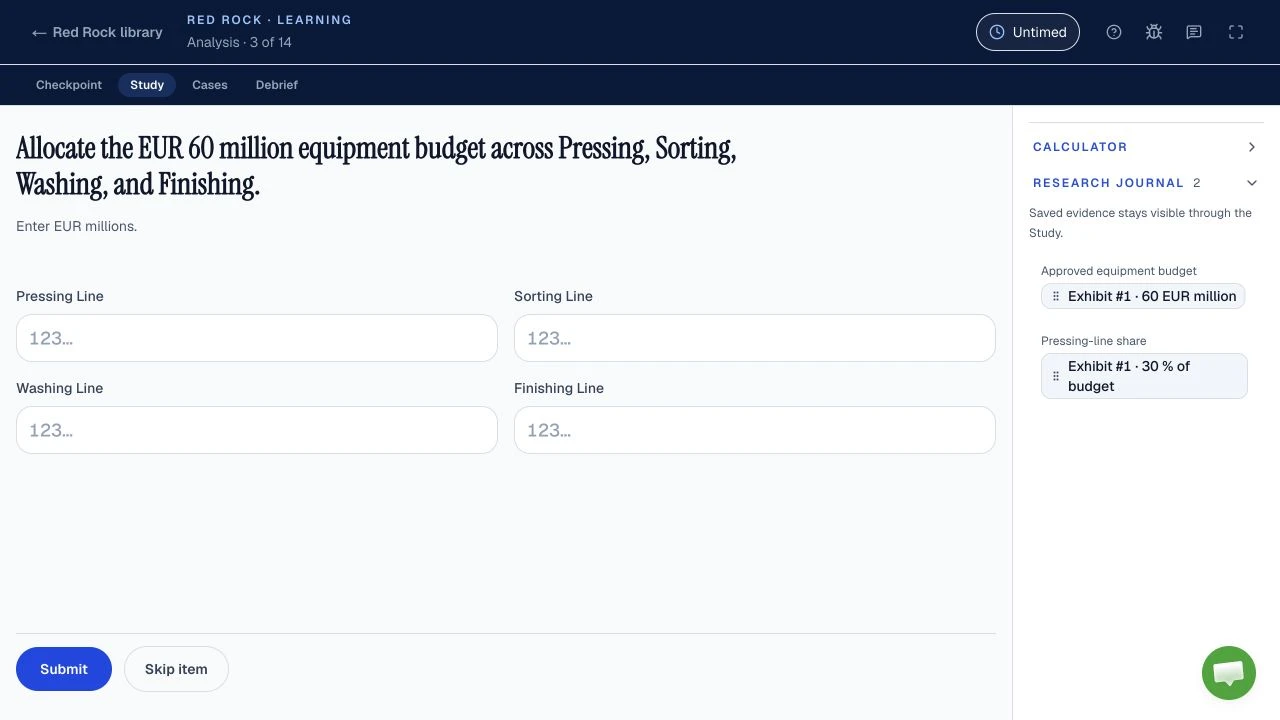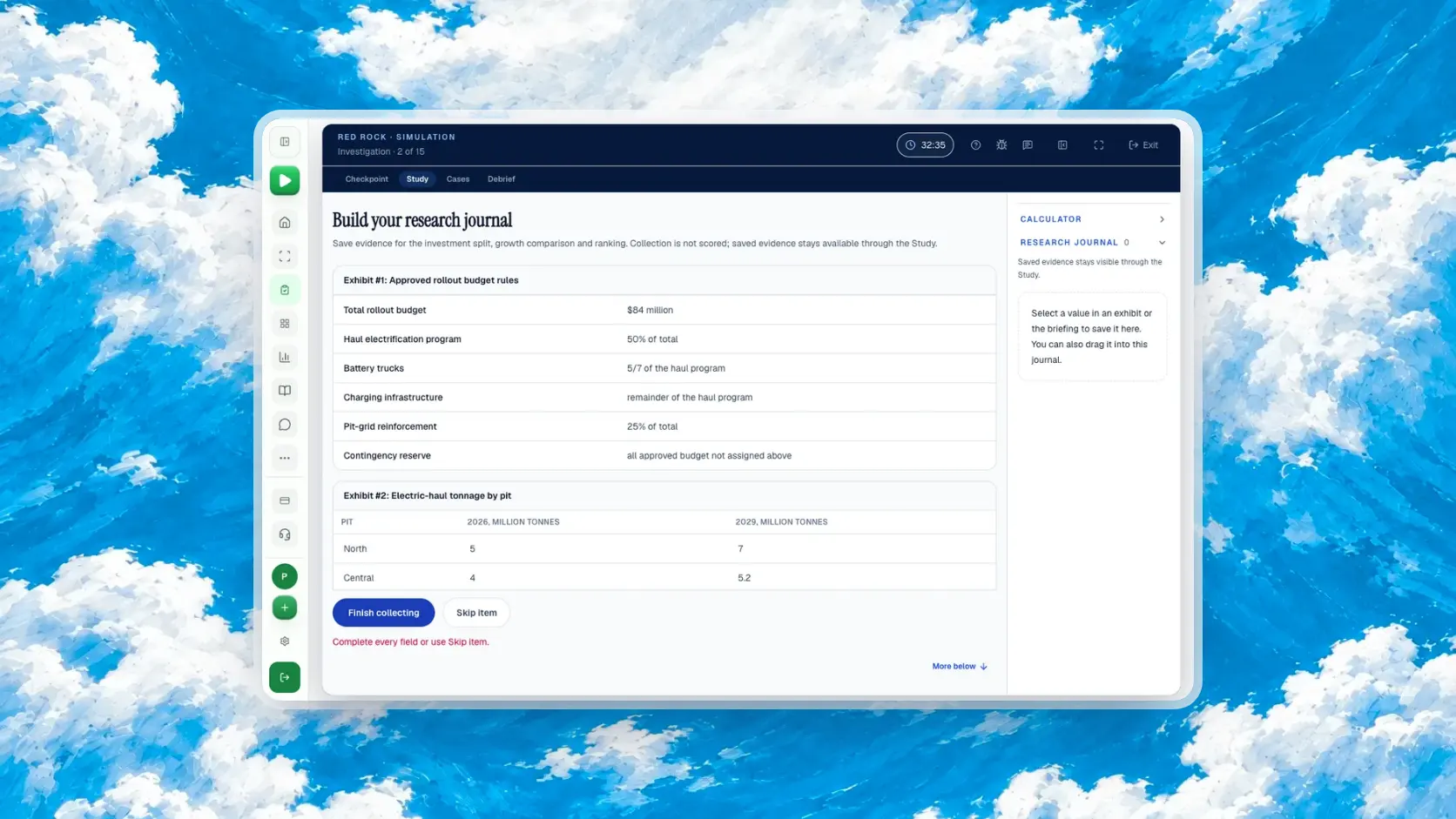
McKinsey bans outside applications and calculators during its assessments, apart from accommodations approved in writing. Candidates report a calculator and research journal inside Red Rock, but McKinsey does not publish their features. Use the live tutorial to confirm them; use the journal for labelled evidence and the in-game calculator when arithmetic needs it.
| Question | Short answer | Status |
|---|---|---|
| Outside calculator or app? | Do not use one during the assessment, except under a written McKinsey accommodation. | Official: Solve FAQ and general integrity expectations |
| Blank pen and paper? | The general integrity expectations allow it for notes and calculations; follow your invitation. | Official, general assessment rule |
| Calculator inside Red Rock? | Candidates describe one in the game. | Reported, unverified by McKinsey |
| Research journal inside Red Rock? | Candidates describe a place to retain selected exhibit facts. | Reported, unverified by McKinsey |
| Controls or scoring credit? | McKinsey does not publish either for these tools. | Not published |
Is there a calculator in McKinsey Red Rock?
Candidates report an in-game calculator in Red Rock, but McKinsey does not confirm it or describe its controls in the public Solve material checked October 11, 2026. The reported calculator belongs to the assessment interface, which matters because McKinsey's ban concerns an outside calculator or app. The Red Rock format and practice guide covers the reported Study and Cases; this guide focuses on the choice of tool at each calculation.
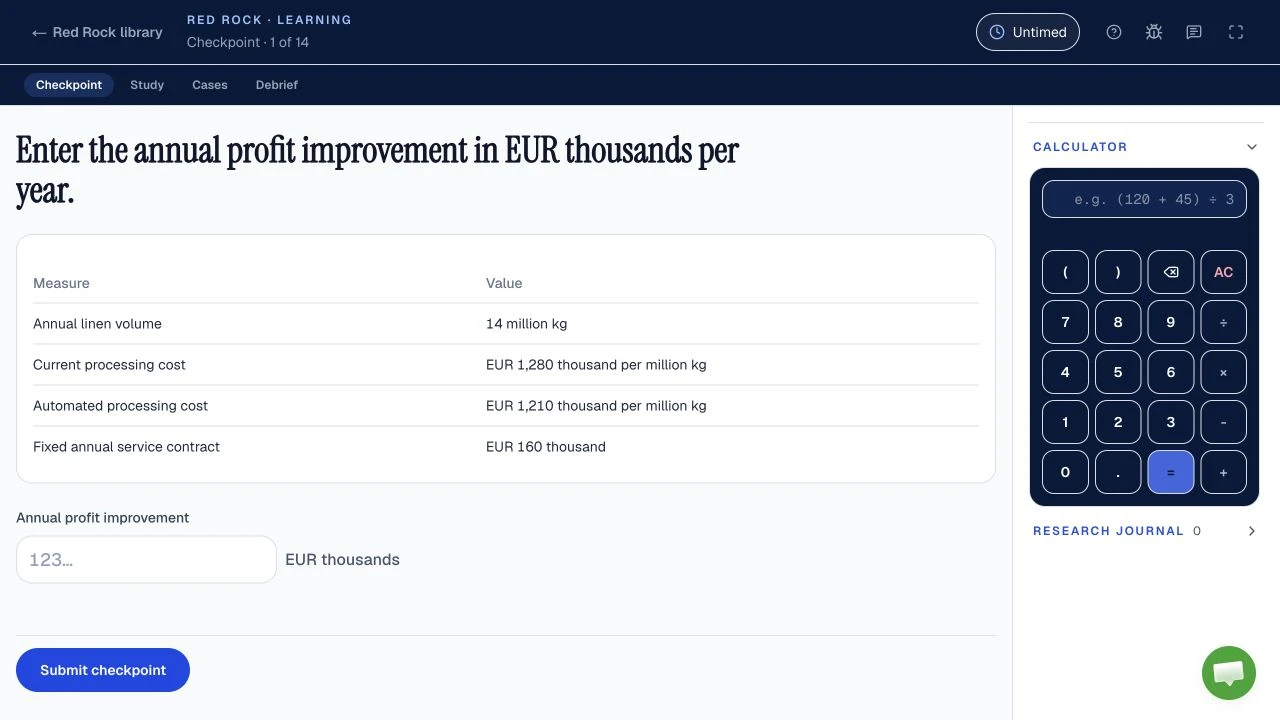
Prepare to recognise a calculator if the live screen supplies one, then let the untimed tutorial show how to open it, enter numbers and keep a result. The official Solve FAQ says each task begins with an untimed tutorial. It does not promise a specific Red Rock button layout. A practice screen can teach a habit, but its buttons are not evidence for McKinsey's interface.
For a quick original exercise, imagine a fictional survey where the question is the percentage change from 217 observations to 263. Write the fraction before you enter anything: the change on top, the count you started from underneath.
Percentage change, fictional survey
Rounded to one decimal place. Original practice figures, not a McKinsey question.
The calculator helps with the division, but it cannot decide which denominator answers the question. Perfect keystrokes on the wrong fraction still give a wrong answer.
Tempting wrong answer
Divides the change by the current count. That is the change as a share of the new total, a different question.
Right setup
Divides by the baseline, the count that “change from” names.
The same check applies to every other setup. Red Rock math: eight worked calculation types works percentage points, shares, ratios and weighted averages on one fictional dataset, each with its tempting wrong answer.
Can I use my own calculator, phone or spreadsheet during Solve?
No: McKinsey officially prohibits outside applications and websites during Solve and a calculator under its wider assessment rules, except for a disability accommodation approved in writing; the published rules do not exempt Red Rock. A phone calculator, browser calculator, spreadsheet or second tab is therefore a poor plan for the live sitting. The assessment integrity expectations also call for one screen and only pen and paper for notes and calculations.
Official: banned
Anything you bring
- Phone or handheld calculator
- Spreadsheet or other application
- Browser tab or website
- AI tool
- Prepared notes or formula sheet
Only exception: an accommodation McKinsey has approved in writing.
Official: allowed
On your desk
- Blank paper
- A pen
General integrity rule for notes and calculations. Your invitation governs your sitting.
Candidate-reported
Inside the Red Rock screen
- In-game calculator
- Research journal
McKinsey does not publish their controls. The untimed tutorial shows what your screen has.
The first two columns come from McKinsey's Solve FAQ and assessment integrity expectations. The third rests on candidate reports only.
The source distinction is useful here. The official Solve page and FAQ prohibit external applications, websites, AI tools and prepared notes, and require you to work alone. The broader integrity page names a calculator among prohibited outside aids. A calculator supplied by the assessment itself, if one appears as candidates report, is a different category of tool. The public sources do not give a Red Rock specific exception for a device you bring. The Solve FAQ in 30 short answers collects the other rules candidates ask about most.
If you usually check arithmetic with a phone, practise closing that route before a timed run. Keep your desk clear of prepared notes. Put blank paper and a pen where your invitation permits, then complete the exercise with only the tools you can expect to have. The test-day checklist covers the full setup and rules, and the system requirements and tech issues guide covers what to do if an on-screen tool stops responding. If an accommodation changes your permitted tools, your written McKinsey approval and personal instructions govern your sitting.
When should I calculate mentally, on paper or in the in-game calculator?
Use the simplest permitted route that preserves accuracy: mental math for a transparent step, blank pen and paper for a short chain, and the candidate-reported in-game calculator for division or decimals; McKinsey publishes no rule that every calculation must use it. The choice is about avoiding a specific error, not generating extra clicks. Our suggested rehearsal times below are coaching targets, not McKinsey limits or measured candidate averages.
Write the quantity, the unit and the denominator the question asks for.
Is it one step you recognise on sight?
NoYesMental math
25% of 80: recognise a quarter
Is it a short chain of whole numbers to hold?
NoYesBlank pen and paper Official: allowed
Three labelled parts, lined up
Does it need division, decimals or an awkward percentage?
YesIn-game calculator Candidate-reported
Percentage change, 217 to 263
Check the unit and the rough size, then answer.
An original coaching route with fictional figures. A phone, spreadsheet or any other outside calculator is not on this path: McKinsey bans it officially. The in-game calculator is candidate-reported, so confirm it in your untimed tutorial.
Our coaching targets for comparing your own attempts. They are not McKinsey limits and not measured candidate averages.
These targets are a way to compare your own attempts, not a claim about the live clock. If the percentage problem takes longer, find out whether the delay was choosing the denominator, transcribing a number or operating the tool. Practise that step. For where these seconds sit in the whole game, see the Red Rock time budget. The Solve tips guide covers the broader habits, including checking units and reading the tutorial, and the prep plan sets out a full preparation schedule.
What is the Red Rock research journal for?
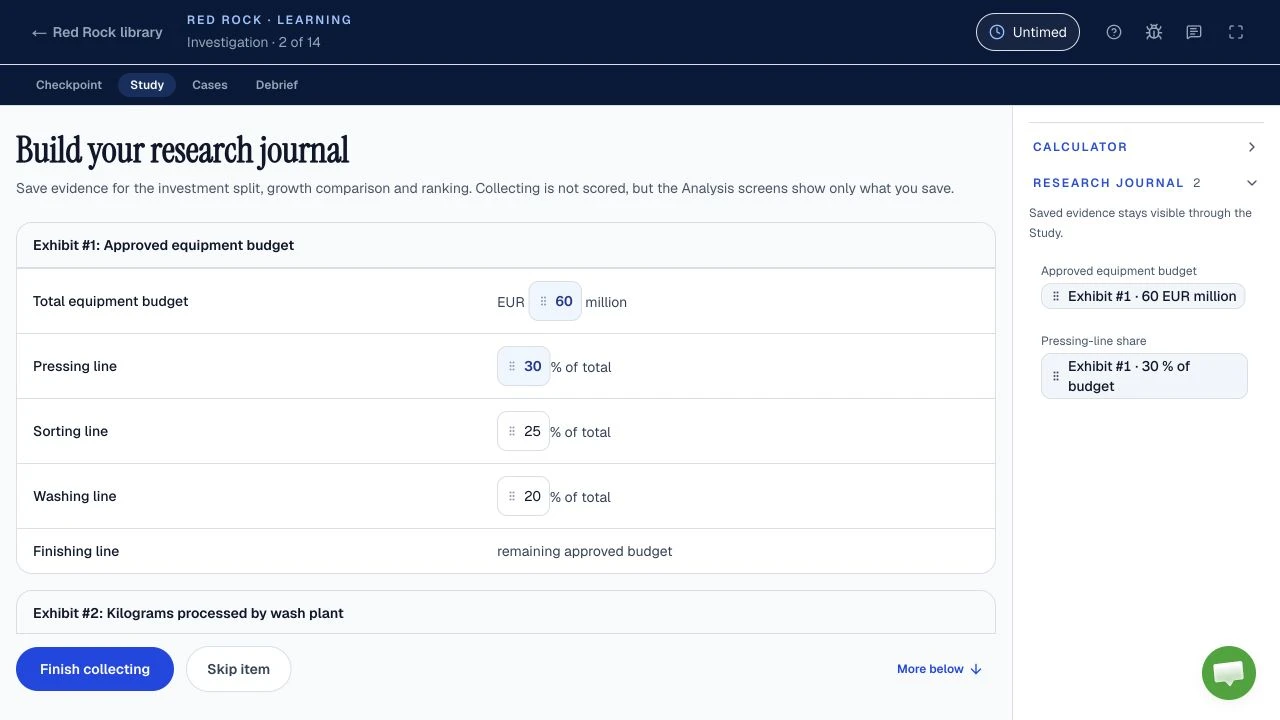
Candidates report a Red Rock research journal for keeping selected evidence, but McKinsey does not publish its fields or how it interacts with the calculator. Treat it as a way to return to the right fact without rereading an exhibit, if your sitting provides it. A journal entry is useful only when you can tell what the number means later.
In our fictional coastal survey, the objective is to estimate total observation time. The North exhibit says 14 transects at 6 minutes each. The South exhibit says 9 transects at 8 minutes each. Another exhibit gives air temperature as 19°C. The temperature may be interesting background, but it cannot change the requested time with the information given. Save the two counts and two rates, plus the common unit of minutes; leave the temperature out of this calculation.
Bare numbers
- 14
- 6
- 9
- 8
- 19
You must reopen the exhibits to learn which number is a count, which is a rate and which is the temperature.
Labelled entries
- North14 transects
- North6 minutes each
- South9 transects
- South8 minutes each
- Goaltotal minutes
Each entry names its area and unit, and the temperature is left out because the objective gives it no link to time.
An original, fictional evidence-selection example, drawn in our own style. Candidate reports establish only that a journal may be present, not which labels or editing controls it has.
Make the objective your filter. If the question later changes to something temperature affects, revisit the exhibit rather than pretending an omitted fact can never matter. If the interface saves whole exhibits instead of individual values, write or select the most specific label it permits. Do not assume you can rename, highlight, reorder or drag entries: McKinsey has not documented those features. Unlabelled evidence is one of the errors worked through in seven Red Rock mistakes and how to fix them.
How do I turn journal evidence into a checked answer?
In our original exercise, turn the saved count and rate for each survey area into minutes, then add the two results; this is a practice method, while McKinsey publishes no required Red Rock calculation sequence. Write the unit beside every intermediate result so a count of transects cannot be mistaken for minutes. The reported calculator can handle multiplication and addition if your tutorial confirms it; blank paper can also hold the setup.
Total observation time, fictional coastal survey
Transects multiplied by minutes per transect leaves minutes, for each area.
- North84 min · 53.8%
- South72 min · 46.2%
- Both areas156 min · 100%
Fictional survey. The total is larger than either area alone, which is the size check to make before you answer.
The check has two parts. First, each product has a unit: transects multiplied by minutes per transect leaves minutes. Second, the total must exceed either area's time alone. If you accidentally add the transect counts instead, the result has the wrong unit even if the arithmetic itself is correct. This is why saving a label can matter more than saving one more number.
Right sum, wrong unit
Adds the two counts. The arithmetic is correct, but the answer is a number of transects when the question asks for time.
Minutes added to minutes
Adds the two products, each already in minutes.
Do not claim this fictional survey came from McKinsey. It is an independent drill. Candidates report that the Red Rock Study includes evidence selection, calculation and a report, but McKinsey does not publish the Study's exact sequence. For the reported phases and Cases, use the Red Rock format and practice guide. For the larger invitation length, use the invitation guide; McKinsey says your email states the total length.
Should I use blank paper instead of the reported journal?
Use blank paper for temporary arithmetic if your invitation permits it, and use a reported in-game journal for exhibit evidence when your screen provides one; McKinsey's general integrity rules allow pen and paper but do not explain Red Rock journal behaviour. The two can serve different jobs. Paper can hold a formula or a scratch check; a journal, as candidates describe it, keeps a reference to the exhibit you may need again.
| Tool | Best job | Status and limits |
|---|---|---|
| Blank paper | Scratch arithmetic: a formula, a running sum, a quick size check. | Official, general integrity rule. Start blank, expect to show it if asked, discard it afterwards. |
| Research journal | Source facts you may need again, each with its exhibit, group and unit. | Candidate-reported. Fields and editing controls are not published. |
| In-game calculator | Division, decimals and awkward percentages, once the fraction is set. | Candidate-reported. Controls, saved history and availability by question are not published. |
In the survey example, paper could hold the final addition line from the equation above, once you have chosen the right inputs. The journal would hold the original North and South counts and rates with their labels. If a later question asks why the total changed, the labelled source facts are more useful than a bare total. If the journal is unavailable or behaves differently, use only the controls you actually have, and keep your paper notes within McKinsey's instructions.
McKinsey's broader integrity expectations say you may be asked to show your notes and should discard them afterwards. The Solve FAQ prohibits pre-prepared notes, so arrive with blank paper, not a formula sheet. For the full distinction between general integrity rules and the Solve-specific FAQ, see the test-day rules. These rules apply to the live assessment, not to independent practice at home.
Does using the calculator or journal improve my Red Rock score?
McKinsey does not publish Red Rock scoring weights or any calculator or journal usage rule, so no public official source supports a score bonus for using either tool. Candidates report the tools exist; that report does not establish what activity McKinsey records or rewards. Use a tool when it improves your answer, then move on.
An answer can fail through a wrong denominator even after perfect keystrokes, as the percentage pair near the top of this page shows: dividing by the final count answers a different question. Likewise, a crowded journal can make the survey facts harder to retrieve. These are reasons to keep the tools purposeful, independent of any unverified process-scoring theory. For what McKinsey does say about the skills behind each game, read what McKinsey Solve measures.
McKinsey officially says Solve is considered alongside the rest of an application, but it does not publish a Red Rock pass mark, score scale or process score. How the Solve result is used covers that official statement in full. The scores and results guide explains what a reported score can and cannot tell you, and the pass-rate guide separates published facts from figures that circulate without evidence. Neither can turn tool use into a known scoring formula.
How should I practise the calculator and journal before test day?
Practise one loop: identify the target, retain only labelled inputs, choose the simplest permitted calculation route, and check the answer's unit; this is our coaching method, not a McKinsey prescribed procedure. Repeat it first without a clock, then with the rehearsal targets in the chart above. A short review of what slowed you down is more useful than guessing whether a practice screen matches the live one.
- Name the target
Quantity, unit and denominator, in your own words, before you look for numbers.
- Keep only labelled inputs
Each saved value carries its group and unit. Leave out facts the objective cannot use.
- Pick the simplest permitted route
Mental, blank paper, or the on-screen calculator if your screen has one. Never an outside tool.
- Check unit and size
Then name any error by type: wrong fact, wrong denominator, transcription, arithmetic or missing unit.
Our coaching method, not a procedure McKinsey prescribes.
Start with the fictional survey on this page. Read its objective once, then cover the worked equation. On blank paper or in an independent practice journal, record the North and South counts and rates, calculate each area's minutes and the total, and explain why the temperature fact was not needed. Then try the percentage change drill. Compare your result with the computed answer and name the error type. For more items to run the same way, the six worked Red Rock mini-cases give full answers to check against.
For a fuller run, the practice page opens Road to Offer's free Red Rock run: the full Study and six standalone Cases, with 13 scored responses worth 36 points and a 35-minute practice clock. Start without an account, then create a free account to finish and keep your score and worked debrief. No payment is needed for the first run or its review, which shows where points went and feedback on each submitted decision, with highlighted calculations and charts. Its on-screen calculator and journal are practice tools, not McKinsey's interface or scoring. If your invitation also includes the other reported game, Red Rock vs Sea Wolf: which to practise first helps you split your time, and Sea Wolf math covers that game's arithmetic. Return to the live untimed tutorial for the controls that actually apply on your assessment day.
Road to Offer covers four practice formats, each with one complete run free: Red Rock, Sea Wolf, SFL Classic and SFL Island. Sea Wolf includes all three sites on a 30-minute Simulation clock; Classic includes all 13 linked decisions without a countdown; Island includes onboarding and all three project days on a 30-minute Simulation clock. Learning mode offers a step-by-step path with coaching and feedback as you go in all four formats, untimed in the clocked games; it is paid access included with the matching game pack, the Solve pack or qualifying Annual access. A separate free Solve plan uses your invitation length and test date to select dated practice steps for up to 28 days; a free account is needed to view and save it.
Sources and evidence boundaries
- Official, checked October 11, 2026: McKinsey's Solve page and Solve FAQ (August 2025 PDF) prohibit outside applications, websites, AI tools and prepared notes, require candidates to work alone, describe untimed tutorials and provide the written accommodation exception. The assessment integrity expectations apply to assessments and interviews generally; they allow pen and paper for notes and calculations and prohibit an outside calculator.
- Candidate-reported, unverified: Red Rock has an in-game calculator and a research journal. McKinsey does not confirm their controls, availability by question, connection, saved history or effect on scoring in the public sources reviewed.
- Original coaching exercise: the percentage and coastal survey datasets, calculation routes and rehearsal targets on this page were written for this guide. They are not live assessment content. The screen captures are independent practice screens, not McKinsey's interface. Your invitation and tutorial govern your sitting.