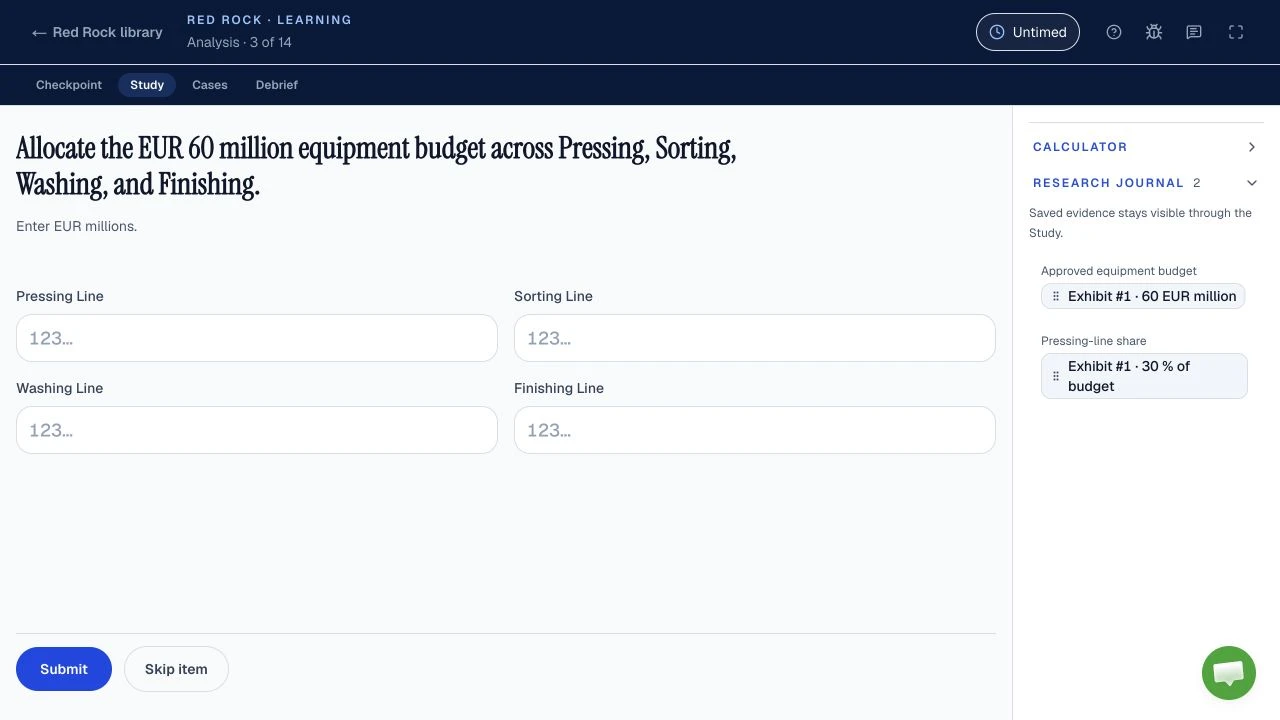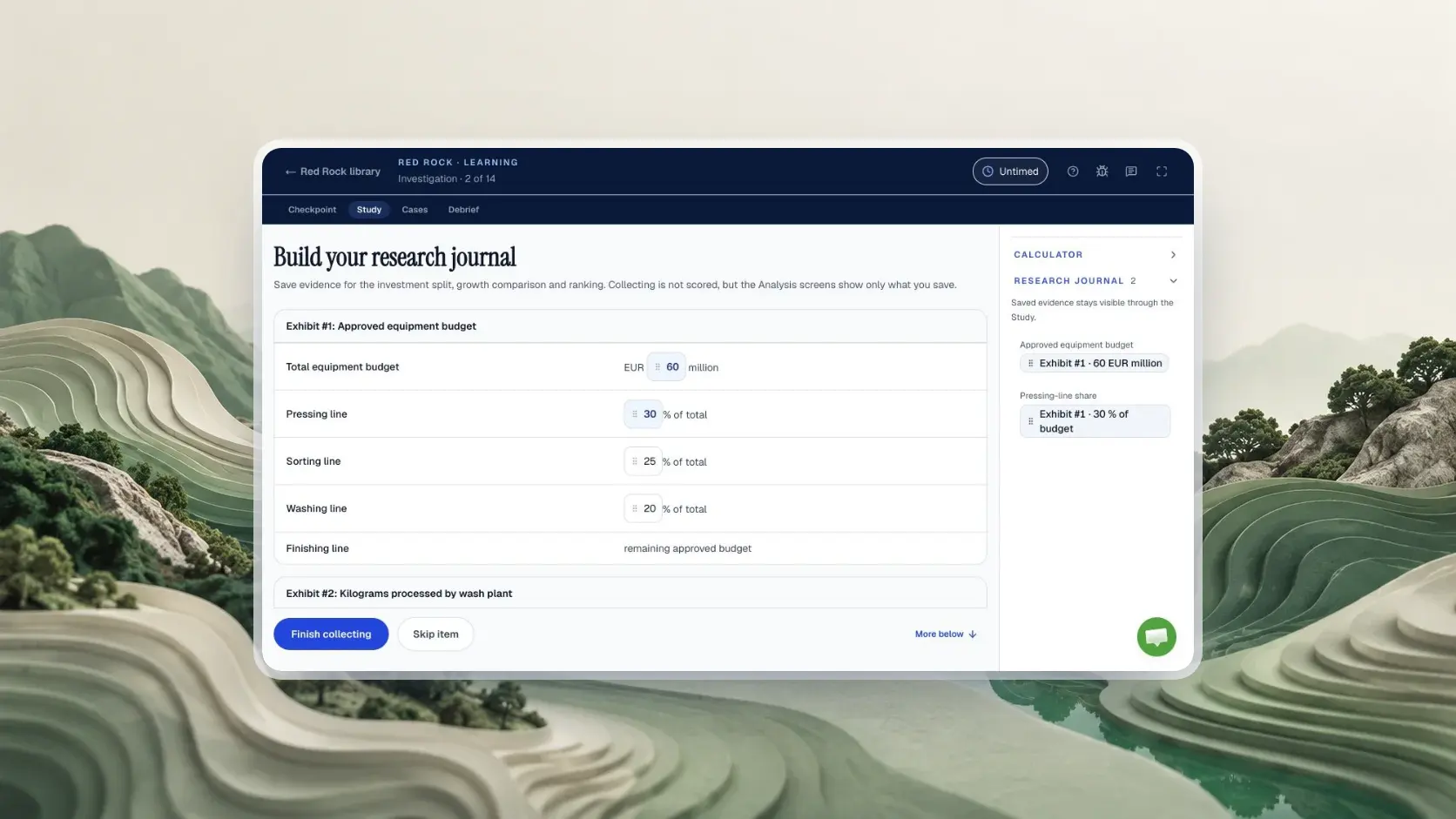
For a candidate-reported 35-minute Red Rock clock, practise 6 minutes for Investigation, 11 for Analysis, 6 for Report and 12 for 6 Cases. This is a coaching budget, not a McKinsey time rule; your invitation and on-screen timer govern your sitting.
| Question | Answer | Evidence |
|---|---|---|
| Where is your assessment length? | In your invitation email | Official McKinsey Solve FAQ |
| Is the tutorial timed? | Each task starts with an untimed tutorial | Official McKinsey Solve FAQ |
| How long is Red Rock? | About 35 minutes on one clock, according to candidates | Reported Not a published limit |
| What is the reported structure? | One Study, then 6 short Cases | Reported May vary by sitting |
| Does McKinsey set phase targets? | No phase minutes or item weights published | Not published This page recommends a split |
How should you split your Red Rock time so you reach every Case?
For the candidate-reported 35-minute Red Rock clock, reserve 23 minutes for the three Study phases and 12 for 6 Cases, as a coaching target that McKinsey does not publish. The split gives you a decision at each phase boundary instead of one vague instruction to go faster. Start the clock only when the live game starts; McKinsey says the task tutorial is untimed.
Minutes left for the Cases
The 35-minute clock is candidate-reported. The split is our coaching budget.
- Investigation6 min
- Analysis11 min
- Report6 min
- Six Cases12 min
- Minute 6Leave Investigation with the objective, useful values and their units.
- Minute 17Leave Analysis with calculated values ready for the Report.
- Minute 23Confirm the Report and protect 12 minutes for the Cases.
The clock and structure are candidate-reported. The phase targets and three checkpoints are our practice recommendation; confirm the actual timer and navigation in your own sitting.
Phase names and the 35-minute clock are candidate-reported. The minutes and exit conditions are coaching targets: an exit decision, not a scoring claim.
The Study's connected work can make an extra minute feel productive, but it comes from the final Cases. A case at the end has fresh inputs, so spending longer on an earlier report blank does not automatically improve it. The Red Rock format and practice guide explains the reported phase mechanics and works through its own original dataset; use this page to control the clock during a full run.
What should you finish before the Investigation checkpoint?
In this coaching plan, leave Red Rock Investigation by minute 6 with the research objective and the few values that answer it, while the phase and its duration remain candidate-reported rather than official. Read the objective before collecting, then attach a clear label, unit and time period to every saved value. You are building a small working set for Analysis, not an archive of the entire exhibit.
Consider an original, fictional reserve study asking for the change in water use between two years. If the page shows water volume, bird sightings and land area, the two comparable water figures and their units belong in your working set; bird sightings do not answer that question. If a later Analysis prompt asks for a per-hectare figure, revisit the land-area value only if the interface allows it. This example teaches selection, not a claim that those exhibits appear in McKinsey's game. For a complete worked exercise on evidence and denominators, follow the Red Rock practice method.
- Read the objective first
Know the output you owe before you open an exhibit: a change, a rate, a comparison.
- Collect only what answers it
In the fictional reserve study that is the two water figures, not the bird sightings.
- Label every saved value
Name, unit and period, so Analysis does not have to return to the page.
- Minute 6: leave
Go when the working set can answer the objective, even if one label is untidy.
A coaching sequence for a candidate-reported phase. The reserve study is fictional and written for this page.
When the checkpoint arrives and one label is still untidy, preserve the essential number and its unit and move on. If you have collected nothing because you were reading background text, stop reading broadly and use the objective to identify the smallest usable inputs. The exception is a missing value without which the next calculation is impossible: find that value before you confirm a one-way transition. Candidates disagree about backtracking, so let the live tutorial settle whether a return is possible. The Red Rock calculator and journal guide covers what is worth saving and what is not.
How do you keep Analysis and Report from eating the Cases?
For this candidate-reported Study structure, finish Analysis by minute 17 and confirm the Report by minute 23, as coaching checkpoints that McKinsey has not set. In Analysis, state the quantity you need before using the reported on-screen calculator. In Report, transfer the result to the requested field, check the unit and select a chart that answers the prompt. This protects the 12-minute Case block.
Where the two checkpoints sit
Suppose the fictional reserve prompt asks by what percentage water use fell, from 480 megalitres in Year 1 to 420 in Year 2. You may know the subtraction but still need to check which year is the baseline and whether the blank asks for a volume or a percentage. Spend a short verification pause on that exact question.
Fall in water use (fictional reserve)
Tempting wrong answer
Divides by Year 2, the year the fall ends in. A rushed transfer makes this slip easy.
Right setup
Divides by Year 1, the baseline the question names.
Original, fictional figures written for this page. They are not McKinsey content.
Do not spend the Report window recreating every calculation if your values are already available. Eight worked Red Rock calculation types shows the base for each kind of percentage, the Solve tips guide teaches unit labels, the six worked Red Rock mini-cases give you short items to time yourself on, and the Red Rock guide owns the detailed chart examples.
If Analysis has taken longer than planned, shorten optional rechecking rather than omitting a required answer or making up a value. If the Report still has an uncertain blank at the checkpoint, enter the best defensible answer from the evidence you have, verify any field that determines several later entries, and proceed if the interface permits. This is a pacing recommendation, not a statement about hidden scoring. McKinsey does not publish Red Rock item weights or how unfinished work is marked; the scores and results guide separates those unknowns from candidate theories, and what Solve measures in each game sets out the skills McKinsey does name.
How much time should each of the six Red Rock Cases receive?
With 12 coaching minutes for 6 candidate-reported Cases, start with 2 minutes per Case, a practice average rather than an official per-question limit. Each Case reportedly presents a fresh small problem. Read the requested output first, find the relevant numbers, calculate or make a reasoned selection, and check the answer format before advancing. Re-estimate after every Case using the time actually left, not the original average.
Starting average per Case
Six Cases is candidate-reported. The even 2-minute split is a practice average, not an official per-question limit.
After every Case, divide again
Fictional replay: Case 1 takes 1.5 minutes, so the saved time spreads over the 5 Cases left.
If a question can be solved cleanly before its target, carry that saved time to the next one. If a difficult question needs the whole target and you still cannot decide, make your best evidence-based attempt and continue. Do not assume you can return to it later: reports differ about navigation, and the live tutorial is your only reliable instruction. A different number of Cases or a different timer calls for a new split; the 6-Case plan is not a universal McKinsey specification.
The most helpful clock glance is at a transition, when it changes the next decision. Constantly rereading the timer costs attention without creating minutes. For the wider sitting and setup, including how to handle an actual technical fault, use the Solve test-day checklist and the system requirements and tech issues guide. A fault is separate from a normal pacing slip.
What should you skip when your Red Rock plan falls behind?
When this coaching plan falls behind, cut optional rereading, extra journal entries and repeated polishing first; keep the required answer, its unit check and a deliberate transition, since McKinsey publishes no Red Rock scoring trade-off. The right cut depends on where you are. You cannot reclaim time already spent, so decide from the current clock and the work still visible.
- Is the clock past your checkpoint?
NoKeep the plan and do not add checks you had not planned.
YesMake one cut. Go to the part you are in.
- Which part are you in?
Investigationpast minute 6
Drop firstBackground facts with no link to the objective, and duplicate journal entries.
KeepThe question, the inputs it needs, their labels and units.
Analysispast minute 17
Drop firstA second full calculation after a reasonable magnitude check.
KeepThe requested answer, its denominator and unit, and the values the Report needs.
Reportpast minute 23
Drop firstCosmetic rewriting and cycling among equivalent displays.
KeepRequired fields, a chart matched to the question, and the submission check.
Casesover 2 min on one Case
Drop firstAnother pass through a method that is not moving on one Case.
KeepA reasoned attempt, the answer format, and time for the Cases still open.
- Protect the minimum check
Whatever you cut, verify the unit, period and requested format before you submit.
- Recount the remaining work
Divide the clock you actually have by the Cases still open, then act on that new average.
A coaching decision path built on candidate-reported phases. It does not describe McKinsey's scoring or navigation rules.
Do not treat a guessed field as equivalent to a checked one. Use the evidence in front of you to make the strongest attempt the remaining time permits. Likewise, do not skip the Report entirely to reach Cases unless your own interface explicitly allows that transition; a required confirmation may block it. The point of the path is to remove low-value activity while retaining the parts needed for a valid submission. For the errors that most often cause the delay in the first place, read seven Red Rock mistakes and how to fix them.
What does one slow Case cost the remaining Cases?
In our original practice replay, one Case taking 4 minutes instead of 2 uses 2 extra minutes, leaving 8 minutes for 5 Cases, or 96 seconds each; this is arithmetic on a coaching budget, not observed McKinsey performance. The result matters because you cannot recover those minutes by wishing the next question will be easier. Recalculate the denominator as soon as the slow Case ends.
Extra time one slow Case takes
What is left when it ends
New average for the Cases left
That is 1.6 minutes each, down from 2.
Planned 2 min per Case
Fictional timing replay built for this article. It shows the opportunity cost of delay, not an official question target.
Tempting wrong answer
Keeps the old 2-minute average. 5 Cases would need 10 minutes and only 8 are left, so the last Case gets no time.
Right setup
Divides the minutes actually left by the Cases actually left, so all 5 get an attempt.
There is a second way to reach the same squeeze: if the Study lasts until minute 27, 4 minutes past the Report checkpoint, only 8 minutes remain for all 6 Cases.
A Study that ends late
Arithmetic on a coaching budget for a candidate-reported 35-minute clock. Not observed McKinsey performance.
Both replays show why an early checkpoint is useful even when the math itself feels manageable. Neither says that McKinsey gives equal weight to each item. For a wider comparison of reported game clocks, read which Solve length you have; for the other reasons the assessment can feel difficult, see where candidates struggle with Solve.
How should you rehearse the budget before your real invitation?
Rehearse this 35-minute Red Rock coaching budget in one independent timed run, record the three phase exits, then change only the phase that repeatedly overruns; McKinsey gives no official Red Rock phase targets. Write the checkpoint minutes where you can see them during practice. After the run, record where the first delay began, what activity caused it, and which cut from the triage path you would make next time. A final score alone cannot tell you where the clock went.
| Exit | Planned minute | Write down | If it is late twice, drill |
|---|---|---|---|
| Investigation | 6 | Actual minute, values saved | Reading the objective before the exhibits |
| Analysis | 17 | Actual minute, any recalculation | Naming the base and unit before calculating |
| Report | 23 | Actual minute, fields rechecked | Transferring values and choosing the chart |
| Last Case | 35 | Cases attempted, slowest Case | Leaving a method that has stopped moving |
If the first run reaches every Case but the Report is rushed, do a focused Report exercise before another full run. If you finish the Study early yet stall on one Case, practise recognizing when a method is no longer moving you forward. If the assessment invitation names a different total length, do not force these numbers onto it: the invitation guide explains what McKinsey actually specifies, and the prep plan helps place timed practice in your remaining days. The practice page lists the available independent modules, and Red Rock vs Sea Wolf helps you choose which game to practise first if your days are short.
Road to Offer's Red Rock practice is independent of McKinsey. The free run in the practice guide includes 13 scored responses worth 36 points; its clock is advisory, so answers still count after zero. Start without an account, then create a free account to finish and keep your score, points breakdown and worked feedback on each submitted decision, with highlighted calculations and charts and no payment required. Road to Offer offers one complete free run of each of four practice formats: Red Rock, Sea Wolf, SFL Classic and SFL Island. Learning mode in all four adds coaching and feedback step by step, untimed in the clocked games, with the matching game pack, Solve pack or qualifying Annual access. The free Solve plan asks your invitation length and test date and gives dated practice steps for up to 28 days; a free account is required to view and save it. Test your checkpoints in practice, and use your own invitation and live tutorial to reset the plan on test day. The practice clock is a rehearsal aid, not a prediction of format, score or hiring outcome. Short answers to the wider timing questions sit in the Solve FAQ.
Sources and evidence boundaries
- Official, checked October 11, 2026: McKinsey's Solve assessment page describes a game-based assessment considered alongside the rest of the application. The August 2025 Solve FAQ says the invitation states your assessment length and each task starts with an untimed tutorial. The assessment integrity page prohibits outside calculators and other assistance during live assessments, subject to approved accommodations.
- Candidate-reported, unverified: Red Rock's name, shared clock of about 35 minutes, Study phases, 6 Cases, research journal and in-game calculator. Public accounts differ on the timer and return navigation. McKinsey publishes no per-game minutes, Red Rock blueprint, phase budget, item weights or pass mark in the official sources checked.
- Original coaching work: the 6/11/6/12-minute split, three checkpoints, triage decisions, fictional reserve scenario and slow-Case arithmetic were created for this article. They are neither McKinsey content nor measured candidate outcomes.